Sending a training program to a client: PDF, spreadsheet, messaging or a link?
An honest comparison of ways to deliver a program to a client (PDF, spreadsheet, messaging, dedicated app, web page) by updates, mobile use and cost.
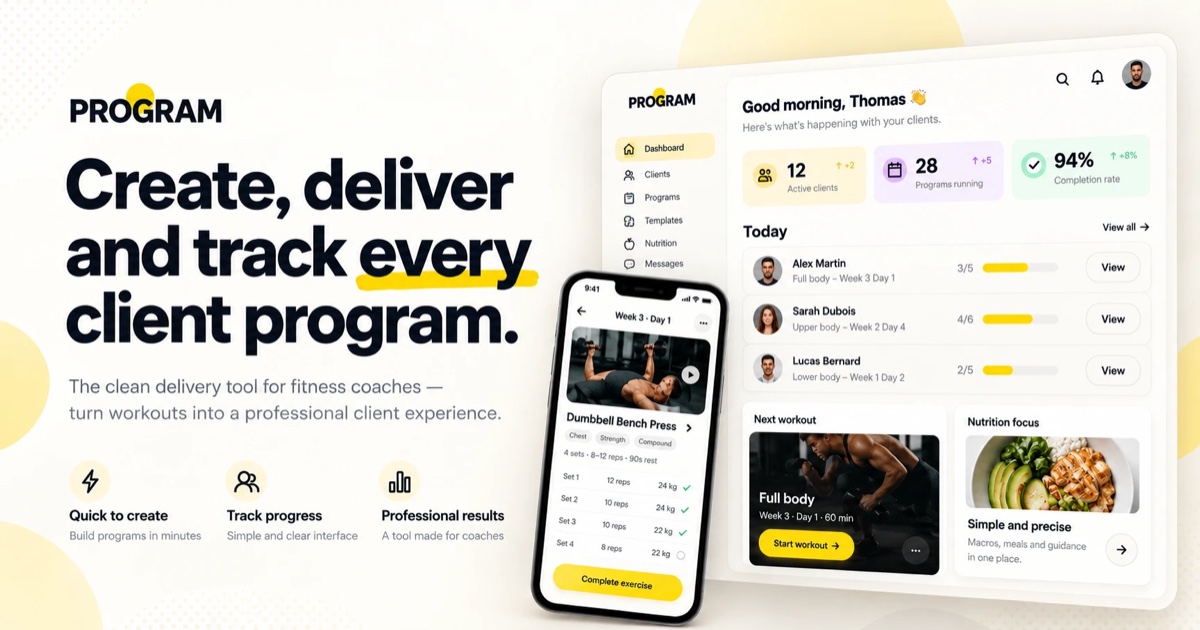
A fitness coach often spends more time sending and fixing documents than designing sessions. The delivery format matters: it decides whether the client opens their program, finds it in the gym and works from the right version. Here are the five common options, with their real strengths and limits.
The criteria that matter
- Updates: what happens when you change a session?
- Reading on a phone: clients read their program standing up, between sets.
- Account required: every install or sign-up loses some clients.
- Tracking: can the client tick off sessions and log weights?
- Cost and setup time, for you and for them.
Comparison
| Format | Updates | Mobile | Client account | Client tracking | Cost |
|---|---|---|---|---|---|
| PDF by email | Resend every version | Zoom and scroll | No | No | Free |
| Spreadsheet (Excel, Google Sheets) | Instant if shared | Hard to read | Sometimes (Google) | Yes, manual | Free |
| Messaging (WhatsApp…) | Resend, gets lost in the chat | Yes | No | No | Free |
| Dedicated coaching app | Instant | App | Yes, install | Yes, full | Subscription, often per client |
| Web page with a link (PROGRAM-style) | Instant, same link | Built for mobile | No | Not yet in PROGRAM | Free in beta |
PDF: simple but frozen
A PDF is universal and looks sharp if well designed. Its flaw is version cycles: every tweak means sending a new file, and the client often keeps the old one. On mobile, a document built for A4 forces zooming.
Spreadsheet: handy for you, rarely for the client
A shared spreadsheet updates in real time and lets the client log weights. It reads poorly on a small screen, though, and demands tidy formatting. It suits numbers-driven tracking with clients comfortable with spreadsheets.
Messaging: fast but it gets lost
Sending today’s session by message feels natural and builds closeness. But the program dissolves into the conversation: the client must scroll back through weeks of messages to find their session.
Dedicated app: the most complete
Coaching apps offer the richest tracking: sessions to tick off, weight history, messaging, sometimes payments. In exchange the client must install an app and create an account, and the coach pays a subscription that grows with the number of clients. A good fit for closely followed online coaching.
Web page with a link: the light compromise
A mobile web page behind a single link fixes the version problem (the link never changes) with nothing to install. Its limits: the client cannot yet track sessions there, and there is no built-in messaging. PROGRAM works this way: you compose phases, sessions (sets, reps, rest), nutrition and notes, then share one link, with no client account.
Which format to choose?
- Few clients, programs that rarely change: a clean PDF or a link is enough.
- Numbers-driven weight tracking: a shared spreadsheet or a dedicated app.
- Many remote clients needing daily follow-up: a dedicated app.
- You want to deliver a clear program quickly, with no friction: a web page with a link.
Many coaches combine: a link for the core program, messaging for day-to-day adjustments. To try it, browse our free programs (for example Muscle gain program: 3 days a week): it is exactly the page your client would receive.